Your Google Business Profile is the most underrated asset in your marketing stack. It is free. It updates in real time. It feeds Google Maps, Google Search, AI Overviews, and indirectly, ChatGPT and Perplexity. And in most home services businesses we audit, it is sixty percent complete and has not been touched in eighteen months.
Think of GBP like the production design on a film set. The audience does not consciously notice it. But if it is wrong, every scene feels off, and they will quietly switch to a different show.
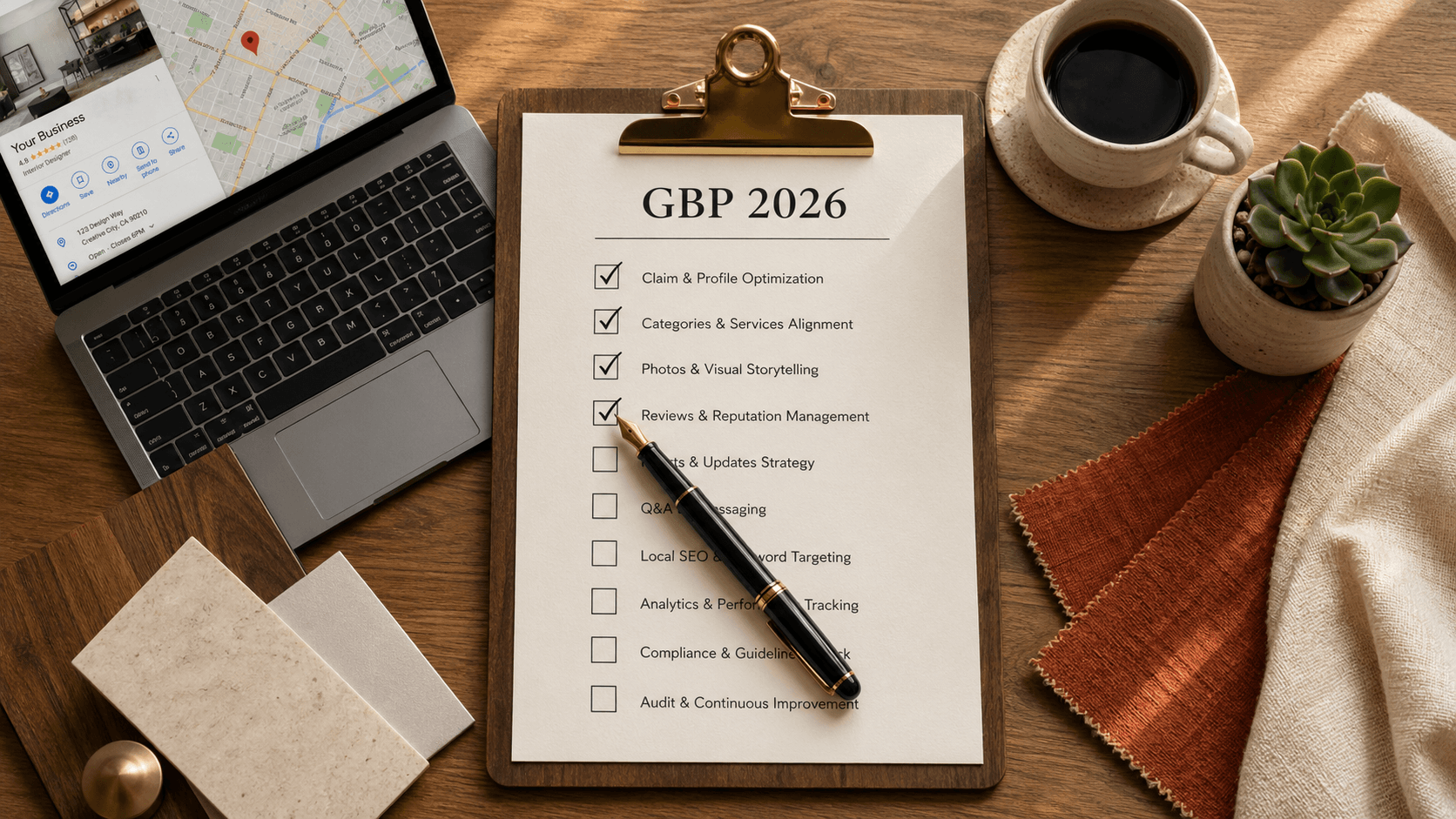
Here is the field-by-field checklist for 2026. Do every line. Most businesses can finish it in a single afternoon.
Identity (the must-fix basics)
- Business name. Exactly as it appears on your website, not a keyword-stuffed variant. Google penalizes "Charlotte's Best Modern Interior Design Studio" if your real name is "Magnolia Interiors." Use your real name.
- Primary category. Pick the single best match. "Interior designer," "Kitchen remodeler," "Custom home builder." Be specific.
- Secondary categories. Add up to nine more that genuinely apply. Each one expands the queries you can show up for.
- Address. If you have a physical office, list it. If you are service-area-based, set the service area instead. Do not leave both blank.
- Service area. List up to twenty cities or zip codes. Be honest. Do not list cities you do not actually serve.
- Phone number. Local area code preferred. Identical to the number on your website.
- Website URL. Direct to your home page or, if you have a strong "Get a Quote" page, that one.
Hours and operating details
- Standard hours. Set them. "Open by appointment" is fine if true.
- Special hours. Update for holidays, closures, vacations. This is the field most businesses forget for years.
- Appointment link. If you use Calendly, Acuity, or any booking tool, paste the link here.
- From-the-business attributes. "Online appointments," "Onsite services," "Identifies as women-owned," etc. Add every accurate one.
Services list
- Add every service you offer as a separate entry. "Kitchen remodel," "Bathroom remodel," "Whole-home renovation," "Cabinet installation." Each one becomes its own entity Google can match queries against.
- Write a one-to-three sentence description for each service. Include the city or region naturally. This is text AI engines absolutely read.
- Set price ranges where appropriate. Even broad ranges signal a real, active business.
The services list is the single highest-leverage field in GBP. Every service you add is a new way for AI to match a customer's question to your business.
Photos
- Logo. Square, clean, on a transparent or solid background.
- Cover photo. Wide, high-quality, representative of your work.
- Interior or workspace photos. Two or three of your studio, showroom, or work environment.
- Project photos. At least ten. Before-and-after if possible. Add a brief caption when you upload (Google does ask).
- Team photo. One photo of the people. AI engines treat the presence of real humans as a credibility signal.
- Photo update cadence. Add new photos at least quarterly. Stale photos signal a stale business.
Reviews
- Set a review request workflow. Every completed project should result in an ask. Email, text, or in-person handoff.
- Use the short Google review link. Find it in your GBP dashboard. Make it as easy as one tap for the customer.
- Respond to every review. Positive ones get a thank-you. Negative ones get a calm, professional response that focuses on resolution. AI engines read your response style as a signal.
- Aim for steady review velocity. Two new reviews a month is better than twenty in one quarter and zero for the next nine.
Q&A
- Pre-populate the Q&A section. You can post questions yourself and answer them. Pick the five questions you hear on every discovery call.
- Monitor for new questions. Google sends notifications. Answer within twenty-four hours. AI engines weight responsiveness.
Posts
- Publish a GBP post every two to four weeks. Project updates, seasonal offers, new services. Each post is content the AI can index.
- Include a clear call to action. "Call us," "Book a consultation," "Visit our portfolio."
- Use photos in every post. Posts with images perform meaningfully better.
Products (yes, even for service businesses)
- Add productized service offerings. "Kitchen Design Consultation," "Whole-Home Refresh Package," "30-Day Concept Plan." If you sell anything packaged, add it here. Products show up as cards in your profile.
Messaging
- Enable messaging. Reply within twelve hours, ideally faster. Google publicly displays your average response time.
The "set it and forget it" trap
The single biggest mistake we see is treating GBP as a one-time setup. Google's algorithm rewards activity. AI engines rely on freshness signals to confirm you are still open and active. A profile that has not been updated in eight months looks dead, even if you are busier than ever.
The fix is a recurring fifteen-minute monthly ritual:
- Add three new project photos
- Write one new GBP post
- Reply to every new review
- Answer any new Q&A
- Confirm hours, services, and contact info are still accurate
That is it. Fifteen minutes a month, every month. The compounding effect on your local AI visibility is significant.
The takeaway
GBP is the cheapest, highest-impact AI visibility lever you own. It costs nothing. It updates instantly. It feeds every major AI search surface. And the work is concrete enough that you can do it yourself or hand it to a virtual assistant for a small monthly fee.
If you want the rest of the AI visibility picture, read the 8 AI visibility signals every home and design business website needs in 2026 and our explainer on Generative Engine Optimization.
Want a second pair of eyes on your GBP setup? Request a free Quick Audit. We grade every field on the checklist above and email you the gaps.